Voice guidance

A voice in your helmet

Every turn comes as an early heads-up, a reminder as you close in, and the turn itself, in English or Czech, with the screen locked and the phone in your pocket. Over your helmet’s Bluetooth or the phone speaker.

See what the voice says
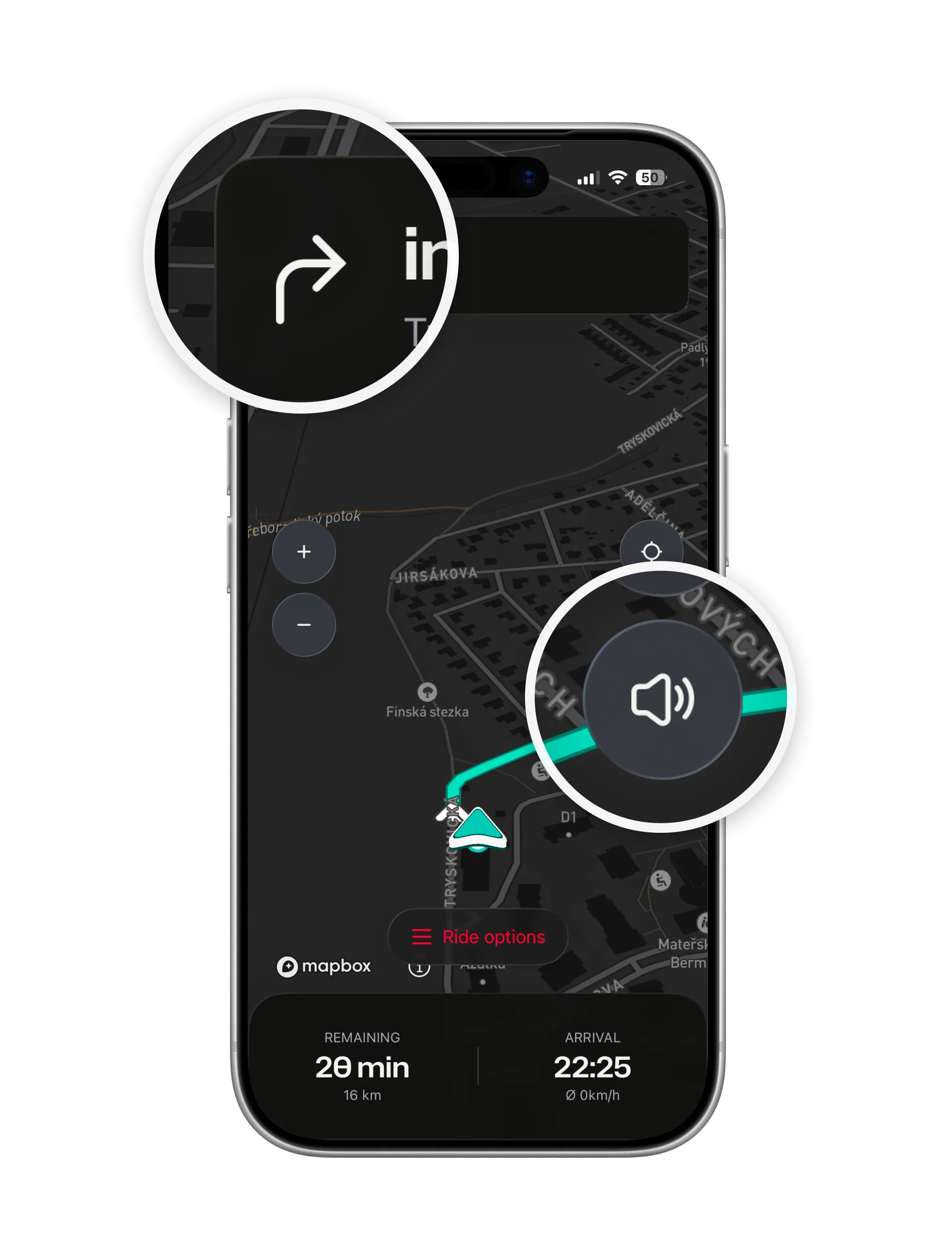
Navigation with two magnifiers: the turn arrow in the banner and the speaker button on the map, one tap to mute the voice
  • English or Czech. Automatic picks Czech whenever it is in your iPhone’s languages; or choose by hand.

  • Music dips, then returns. Podcasts pause for a prompt. Volume never louder than your music.

  • Calm when you leave the route. One spoken note, then the first turn of the new route.

A voice that nags is a voice you mute. ArcRoute says each thing once, at the right distance, and otherwise stays quiet.

How it works

What the voice says

The turns, the roundabouts, the reroute, and a few honest words when something needs saying.

Three prompts per turn, none too many

An early heads-up, a reminder as you get close, then the turn itself; two quick turns in a row come as one sentence.

  • Roundabouts by exit number. Third exit, said as the third exit.
  • Tunnels keep counting. The approach prompt comes; the final one waits for real GPS.
  • A sample on setup. Release the volume slider and it speaks, so you can check the helmet pairing before you set off.
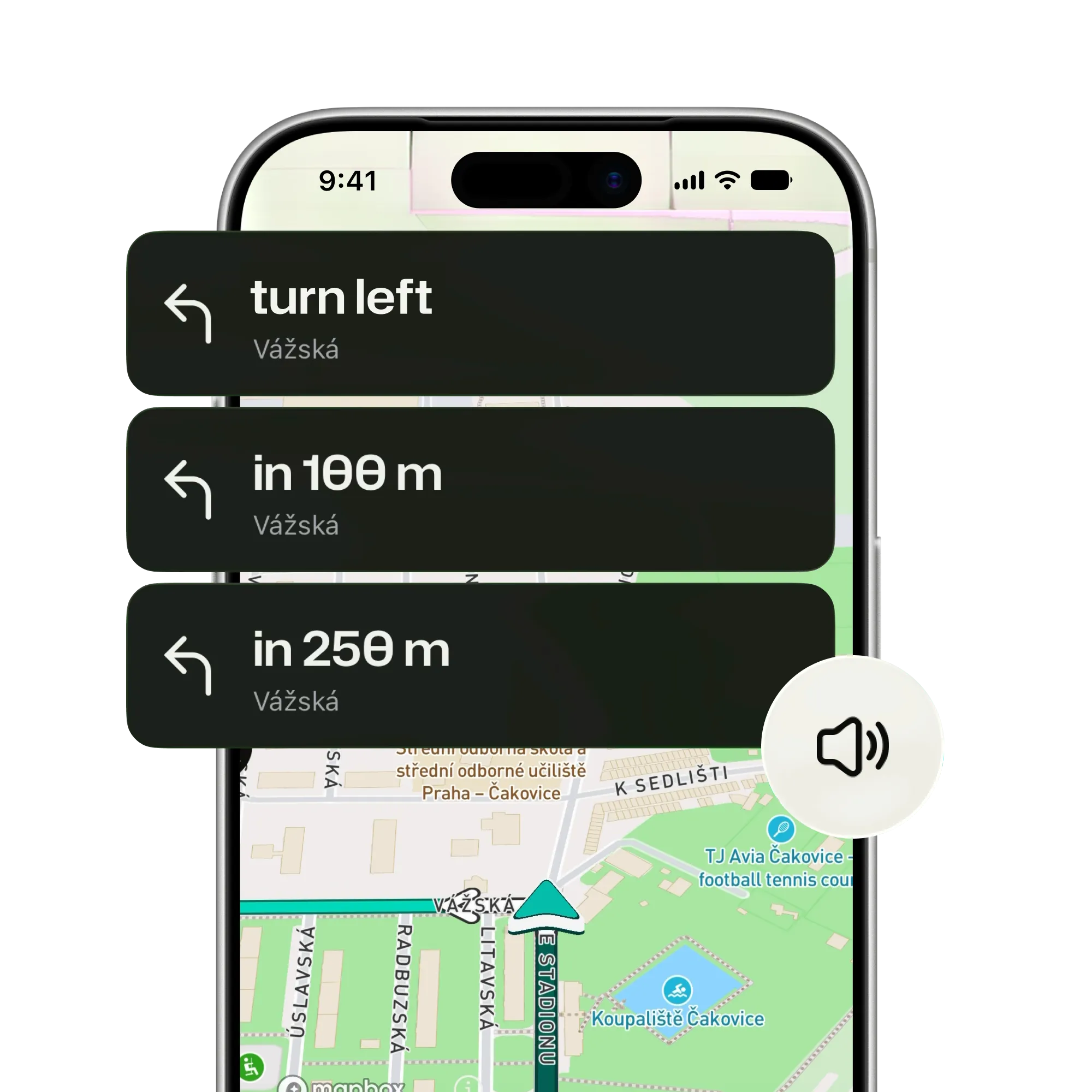
Three banners for one left turn onto Vážská: an early heads-up, a reminder closer in, and the turn itself, with the speaker icon

In your helmet, over your music

Prompts play through whatever the phone is connected to over Bluetooth, or its speaker, with the screen locked.

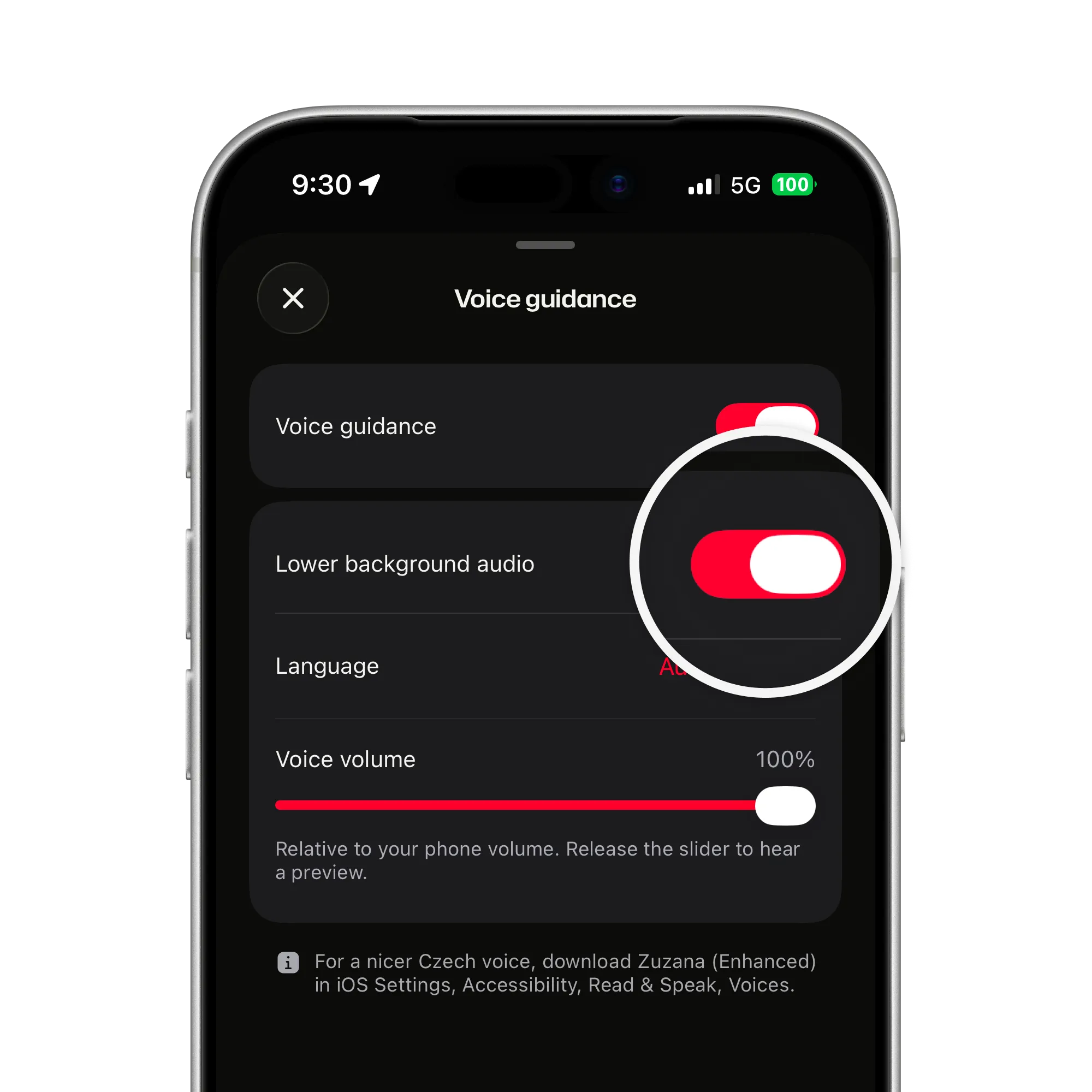
  • Music dips under a prompt. On by default; turn it off to mix instead.
  • Mute from the map. The speaker icon, or the figures at the bottom and Settings; unmuting picks up at the next turn.
  • A nicer Czech voice. Download Zuzana (Enhanced) in iOS Settings and ArcRoute uses it on its own.
Voice guidance settings with the Lower background audio switch magnified and on, above language and voice volume

Calm when things change

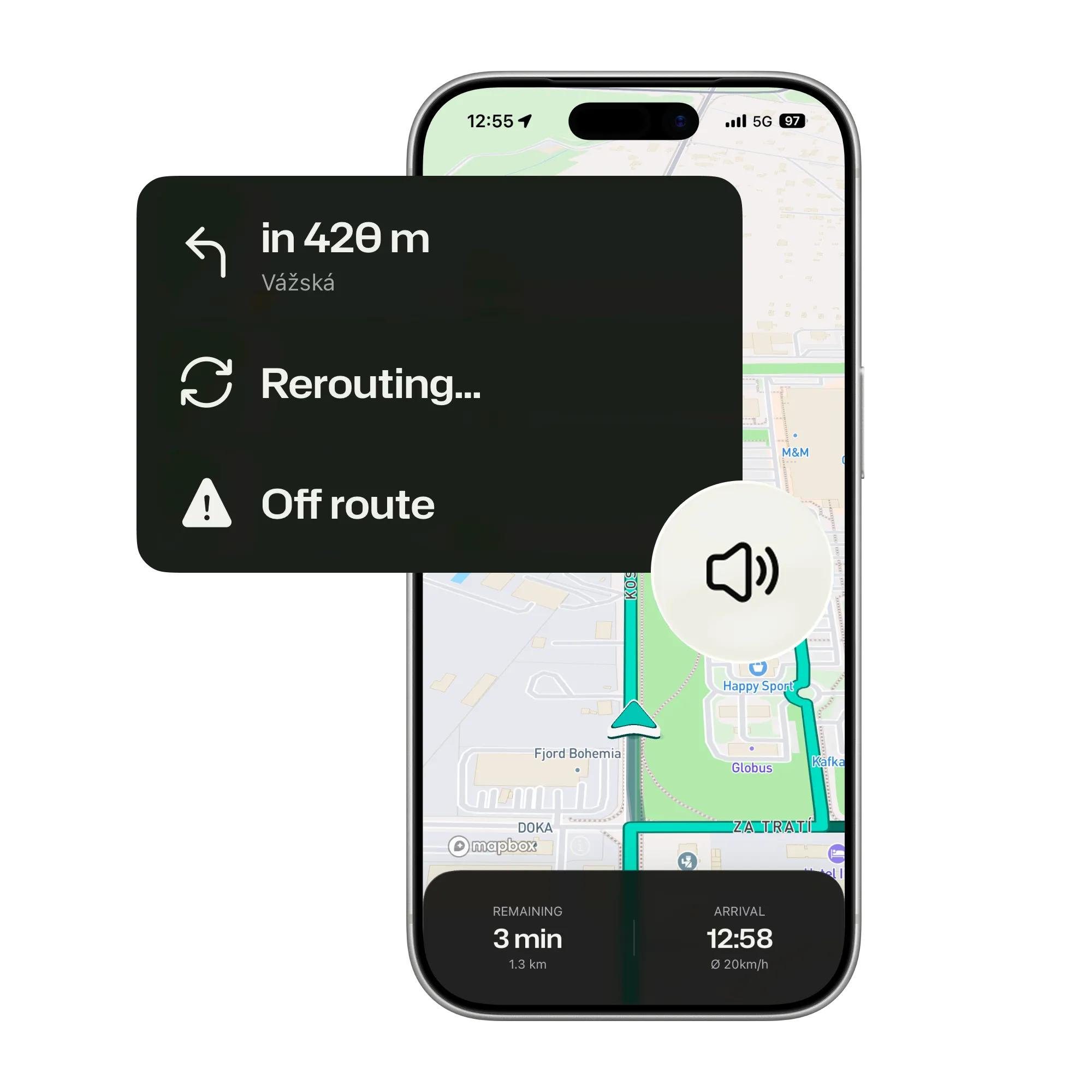
Leave the route and you hear one recalculating note, then the first turn of the new way forward. No repeated demands to turn around.

  • Turn around only when true. Said once, when possible, only if the new route really runs back along your road.
  • Honest about the odd start. A route that starts behind you, or against your direction, is announced, never slipped in.
  • Offline as far as a saved ride. The voice is generated on the phone; only recalculating needs a signal.
Three banners after leaving the route: Off route, then Rerouting, then the first turn of the new route in 420 m, with the speaker icon

Ride with the screen dark

Plan it, lock the phone, put it away. ArcRoute tells you the turns as they come and stays quiet in between.

Get the app
A rider on a gravel forest track at sunset, seen from behind, dust behind the rear wheel
FAQ

Questions about voice guidance

Straight answers on languages, helmets and what gets said. The support page has the rest.

All questions and support

Which languages does it speak?

English and Czech. Automatic speaks Czech whenever Czech is anywhere in your iPhone’s language list, even if the phone runs in English; pick a language by hand to override.

Does it work with my helmet intercom?

Prompts play through whatever your phone is connected to over Bluetooth, so a helmet headset works like any audio. Release the volume slider in settings and ArcRoute speaks a sample, so you can check the pairing before you set off.

What happens to my music?

It dips under each prompt and comes right back; that is the Lower background audio switch, on by default. Podcasts and audiobooks pause for a prompt either way.

How do I mute it mid-ride?

Tap the speaker icon on the navigation map, or tap the figures at the bottom of the screen, then Settings, and pick Muted; both do the same. Unmuting picks up at the next turn.

Does the voice work without a signal?

Yes, as far as a saved ride does: the voice is generated on the phone, so a saved ride speaks its turns offline. Only recalculating a route needs the network.

Can the Czech voice sound better?

Yes. iOS ships a basic Czech voice; download Zuzana (Enhanced) in iOS Settings, Accessibility, Read & Speak, Voices, and ArcRoute uses it automatically. The same works for English voices.

Ready to ride?

  • Plan it.
  • Ride it.
  • Remember it.
Download on the App Store

Fourteen days free. Questions or feedback? Get in touch

© 2026 ArcRoute. Made by in Czechia.