Navigation

Turn by turn, built for the bike

A banner you can read through a visor, a voice in your helmet, and an arrow on the road that shows where to go. Miss a turn and ArcRoute quietly finds a way forward, never a lecture about turning around.

See how it guides you
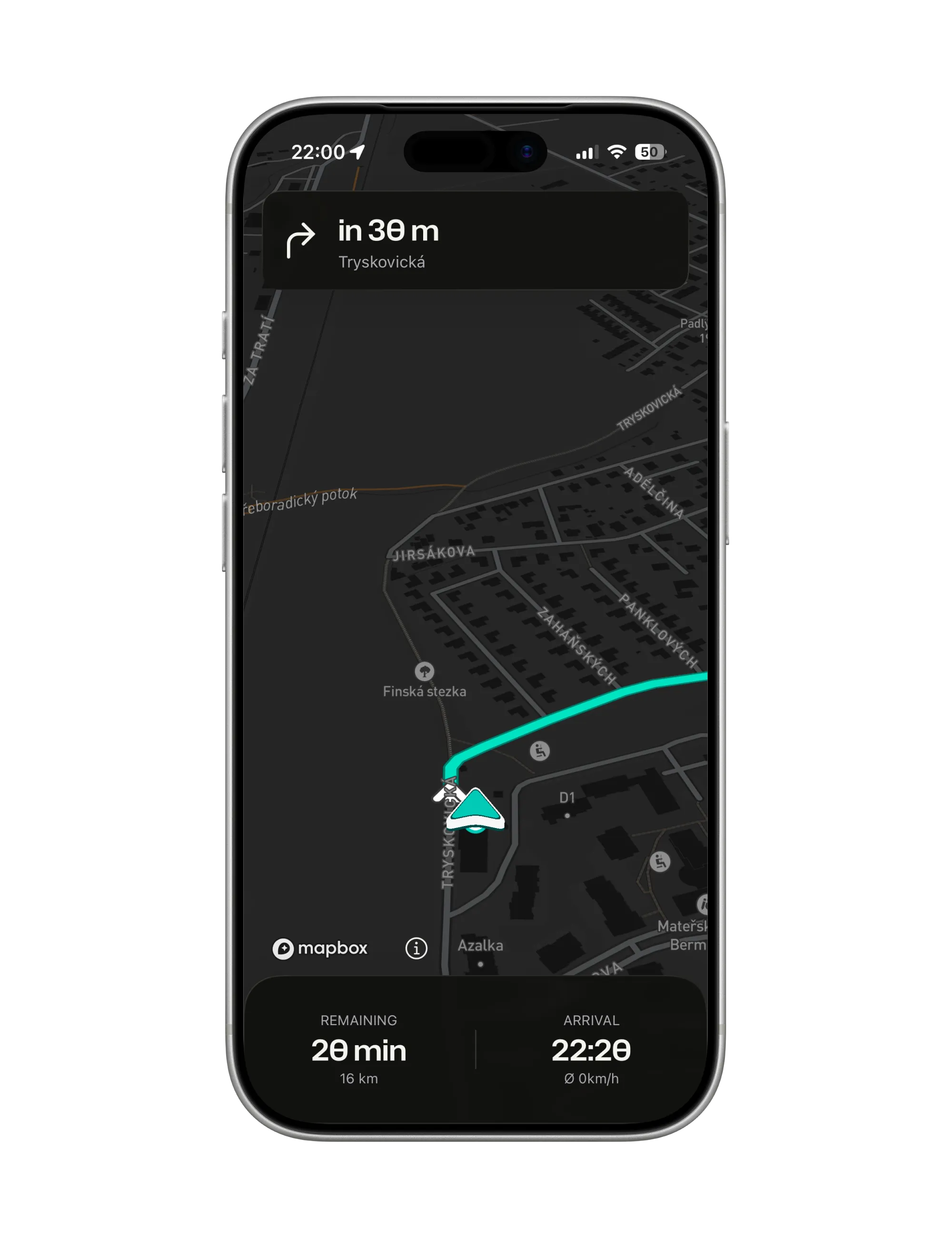
Navigation on the dark map: a right turn onto Tryskovická in 30 m in the banner, the teal arrow on the route, remaining time and arrival below
  • Readable from the bars. Big maneuver banners and the distance to the turn, through a visor.

  • Spoken into your helmet. English or Czech, screen locked, phone in your pocket, over Bluetooth.

  • Reroutes forward, quietly. Leave the route and it leads on from where you are pointed. No U-turn nagging.

Miss a turn and nothing is lost. ArcRoute wants you on the road ahead, with your eyes where they belong.

How it works

How ArcRoute guides you

A screen you glance at, a voice you listen to, and a reroute that reads the way you ride.

Read it in a glance

The next maneuver and the distance to it sit in a big banner at the top, and a single arrow on the road bends the way you will go, roundabout exits included.

  • You are the teal arrow. A 3D marker that stays legible on any map underneath.
  • Two figures, nothing else. Remaining, with the distance under it; arrival, with your average speed under it.
  • A trail behind you. The roads you have ridden, drawn dim, snapped onto the asphalt.
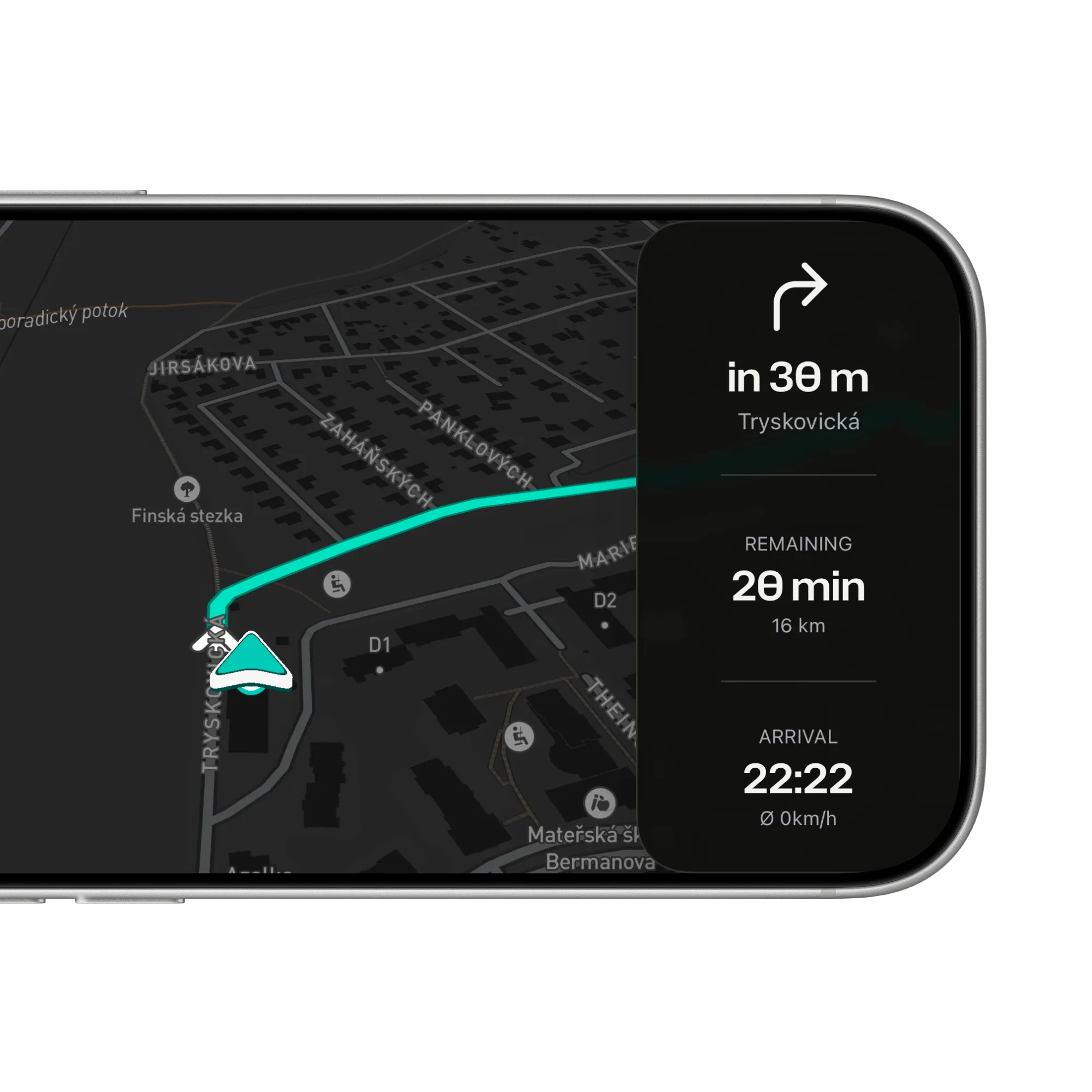
Navigation in landscape with a side panel: the next turn in 30 m, 20 min remaining over 16 km, and arrival at 22:22

Spoken, screen locked

Every turn comes as an early heads-up, a reminder as you close in, and the turn itself, in English or Czech, over your helmet’s Bluetooth or the phone speaker.

  • Music dips, then comes back. Podcasts pause for a prompt either way.
  • Roundabouts by exit number. Two quick turns come as one sentence.
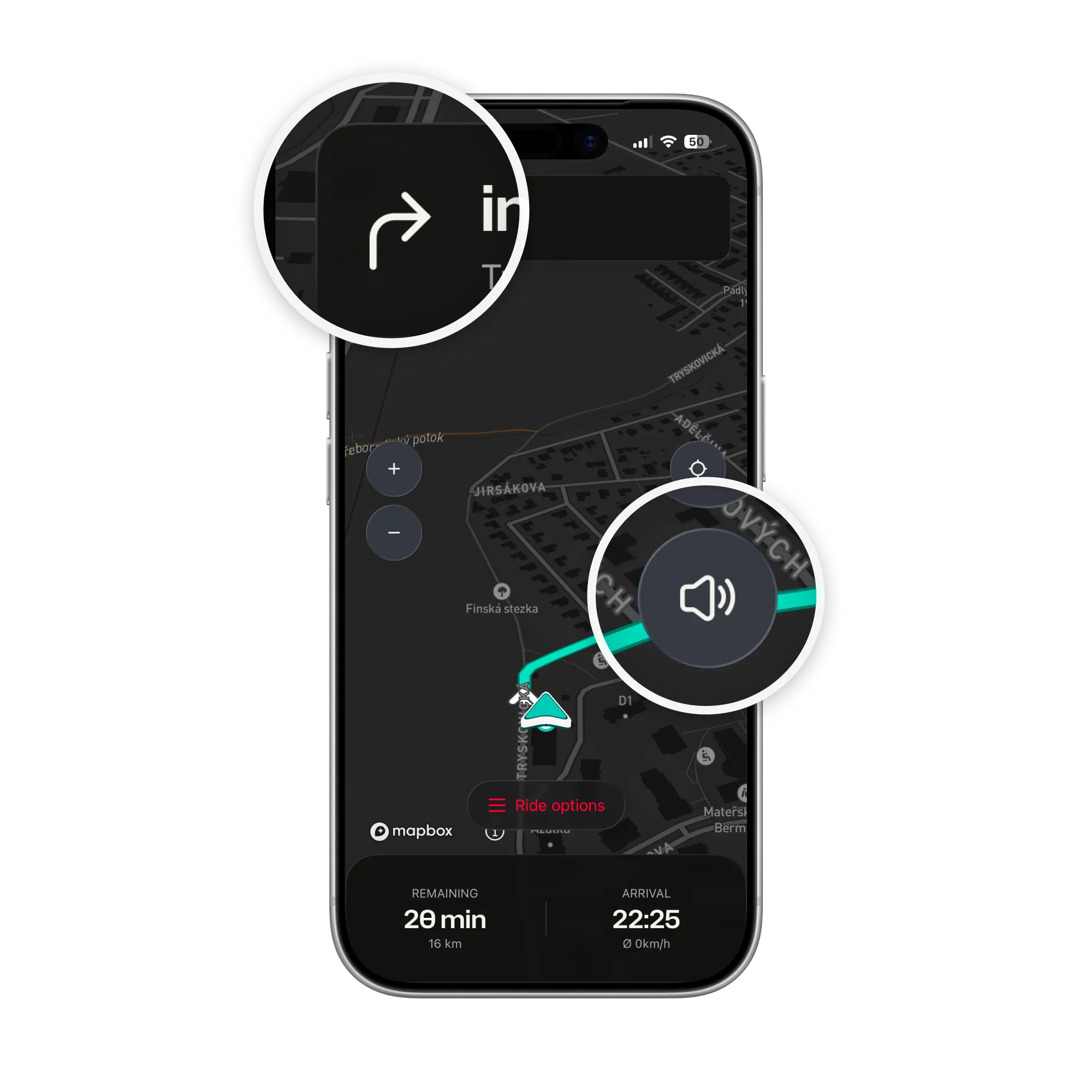
  • Mute from the map. One tap on the speaker icon; unmuting picks up at the next turn.
Navigation with two magnifiers: the turn arrow in the banner and the speaker button on the map that mutes the voice

Off the route? Forward it is

A missed turn, a gas stop or a detour gets a new route from where you are pointed, on its own, with one calm spoken note and then the first turn.

  • Never against traffic. A reroute that would start the wrong way is thrown away and tried again.
  • Stops ahead are kept. Ones you have passed are skipped, not dragged back to.
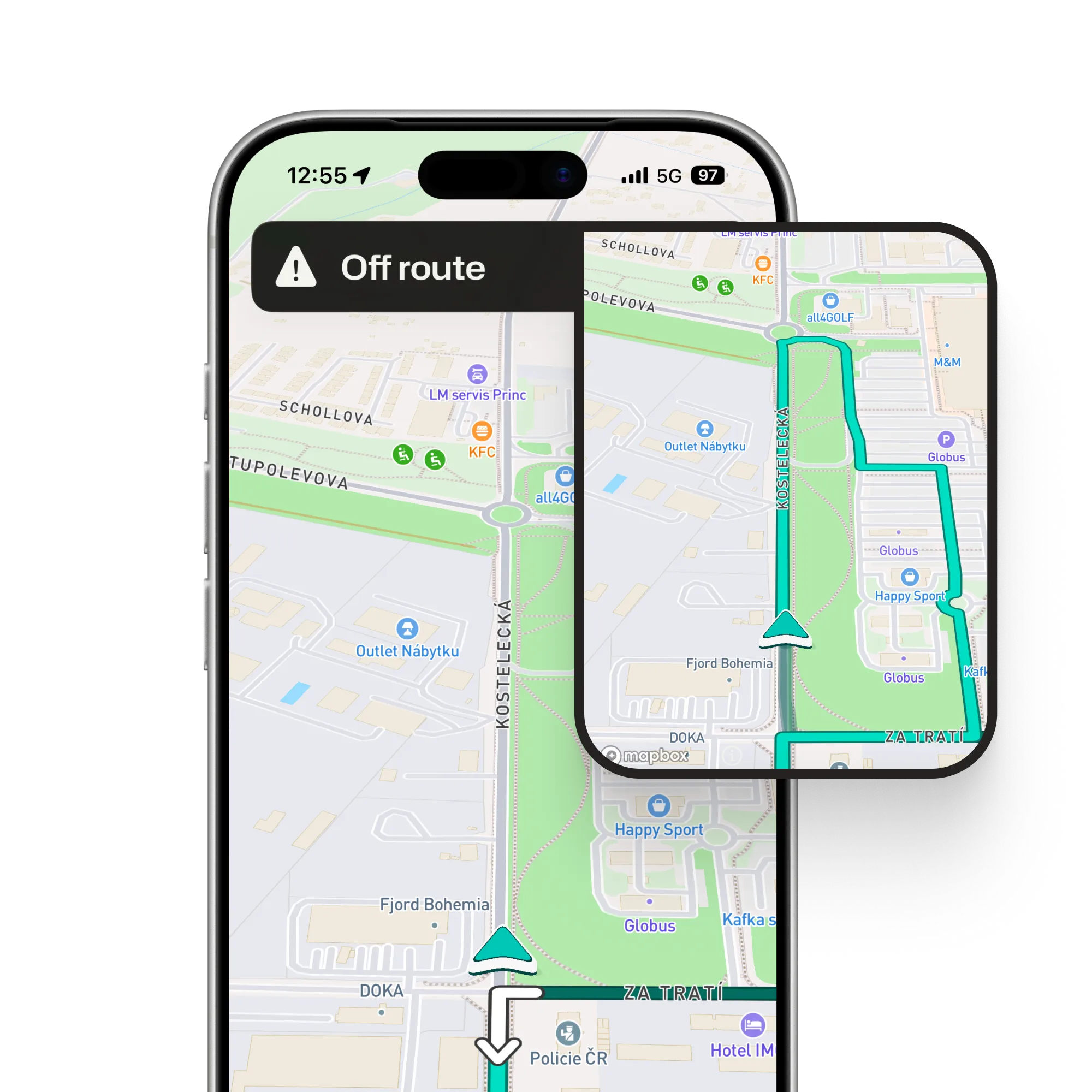
  • A track leads forward too. Leave the road for a field or forest track and the reroute leads you out along it to the nearest road.
An Off route banner over the map, and an inset of the new route leading on from where the bike points instead of turning back

Ride with your head up

Plan the route once. On the road ArcRoute speaks the turns, shows the next one big, and handles the rest.

Get the app
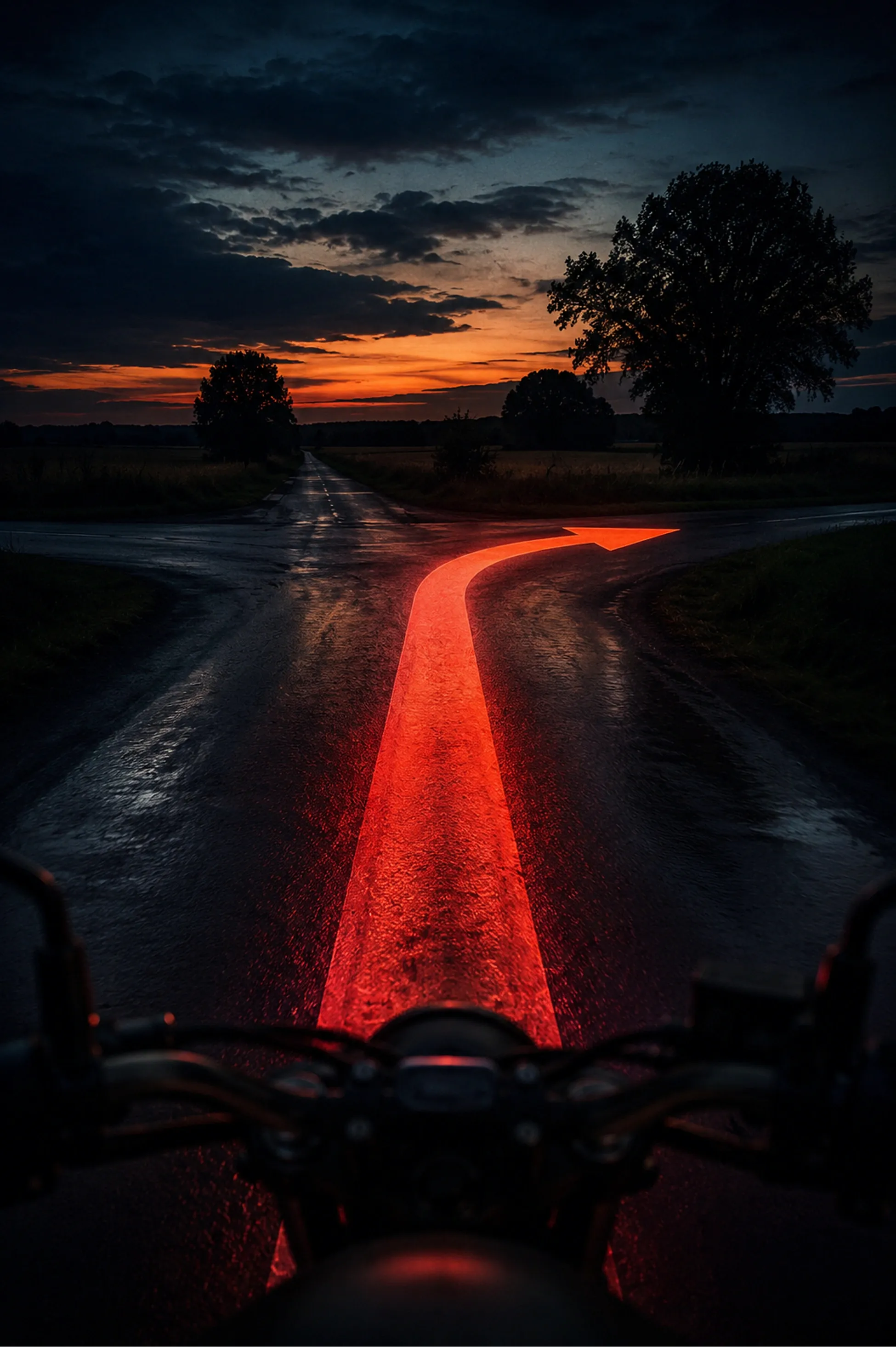
A wet country crossroads at dusk from the saddle, a glowing red arrow on the road bending right
FAQ

Questions about navigation

Straight answers on the screen, the voice and rerouting. The support page has the rest.

All questions and support

Does it speak directions out loud?

Yes, in English and Czech, over helmet speakers via Bluetooth with the screen locked and the app in the background. The voice is generated on the phone, so it works offline as far as a saved ride does; only recalculating needs the network.

What happens when I miss a turn?

ArcRoute works out a new way forward from where you are pointed and updates the line, with one neutral spoken note and then the first turn. If your original route is still close ahead, it puts you back onto that exact route; otherwise it computes a fresh way to the destination.

What if I turn off onto a field or forest track?

ArcRoute reroutes and leads you on along the track, out to the nearest road the way your ride is heading, rather than back to where you left. That goes for tracks the map knows. In a field, or on a track that is not in the map, it waits to reroute until you are back near a mapped road.

Does it work without a signal?

A saved ride replays from the phone, line and spoken turns included. Planning a new route and rerouting need a connection, and the map only shows tiles already loaded.

Does it work with my helmet intercom?

Prompts play through whatever your phone is connected to over Bluetooth, so a helmet headset works like any audio. Music dips under each prompt and comes back.

Which language does it speak?

Automatic speaks Czech whenever Czech is anywhere in your iPhone’s language list, otherwise English; you can pick either by hand. A nicer Czech voice can be downloaded in iOS accessibility settings, and ArcRoute uses it on its own.

Does the map go dark at night?

Yes, on its own. On a ride the map turns to Night about half an hour after sunset and back to Day after dawn. To keep one of them, tap the figures at the bottom, then Settings, and pick Day or Night; your pick stays for the next ride too. You can set it before you ride as well, in Settings under Navigation.

Does it record the ride too?

Yes. Recording starts with the ride and saves when you arrive, and the ride feeds your heatmap.

Ready to ride?

  • Plan it.
  • Ride it.
  • Remember it.
Download on the App Store

Fourteen days free. Questions or feedback? Get in touch

© 2026 ArcRoute. Made by in Czechia.