Stops on the map

Stop for coffee. Keep the route.

Three chips under the search bar: Gas, Coffee, Ice cream. Tap a place to ride there, or drop it into the ride you are planning, and the route keeps its bends. Home, work and your own spots wait one tap away.

See how a stop gets into the ride
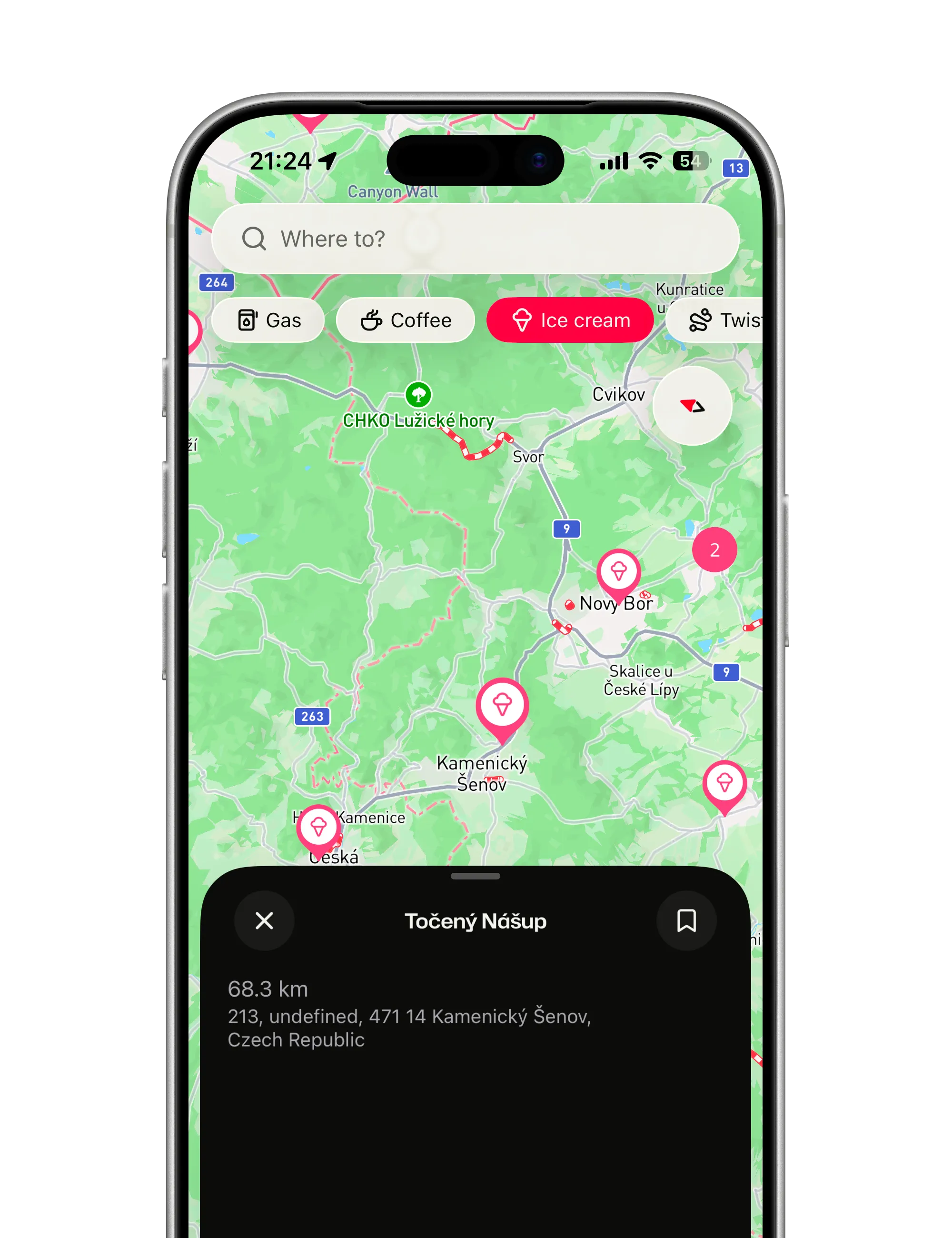
The Ice cream chip switched on, pink pins for ice cream spots around Nový Bor, and the card of one of them, 68.3 km away
  • Gas, coffee, ice cream. One tap on a chip shows the places nearby, and a pin’s card says if it is open.

  • There, or through it. Directions rides straight to a place; Add to route threads it into the plan as a stop.

  • Your own places. Home, work and the spots you keep coming back to, under the search field.

A rider wants two things from a place on the map: get me there, or route me through it on the way. Everything else is clutter at speed.

How it works

How a stop gets into the ride

Places around you, one tap into the route, and the spots you save for good.

Places around you, on the map

Tap Gas, Coffee or Ice cream under the search bar and the places nearby appear as pins. Tap one for its card: how far it is, about how long the ride takes, and whether it is open.

  • Moved the map? Search this area looks where you are looking now.
  • Too close together? They group into a bubble; tap it and the map zooms just enough.
  • Out of the way at speed. The chips hide while you navigate or record.
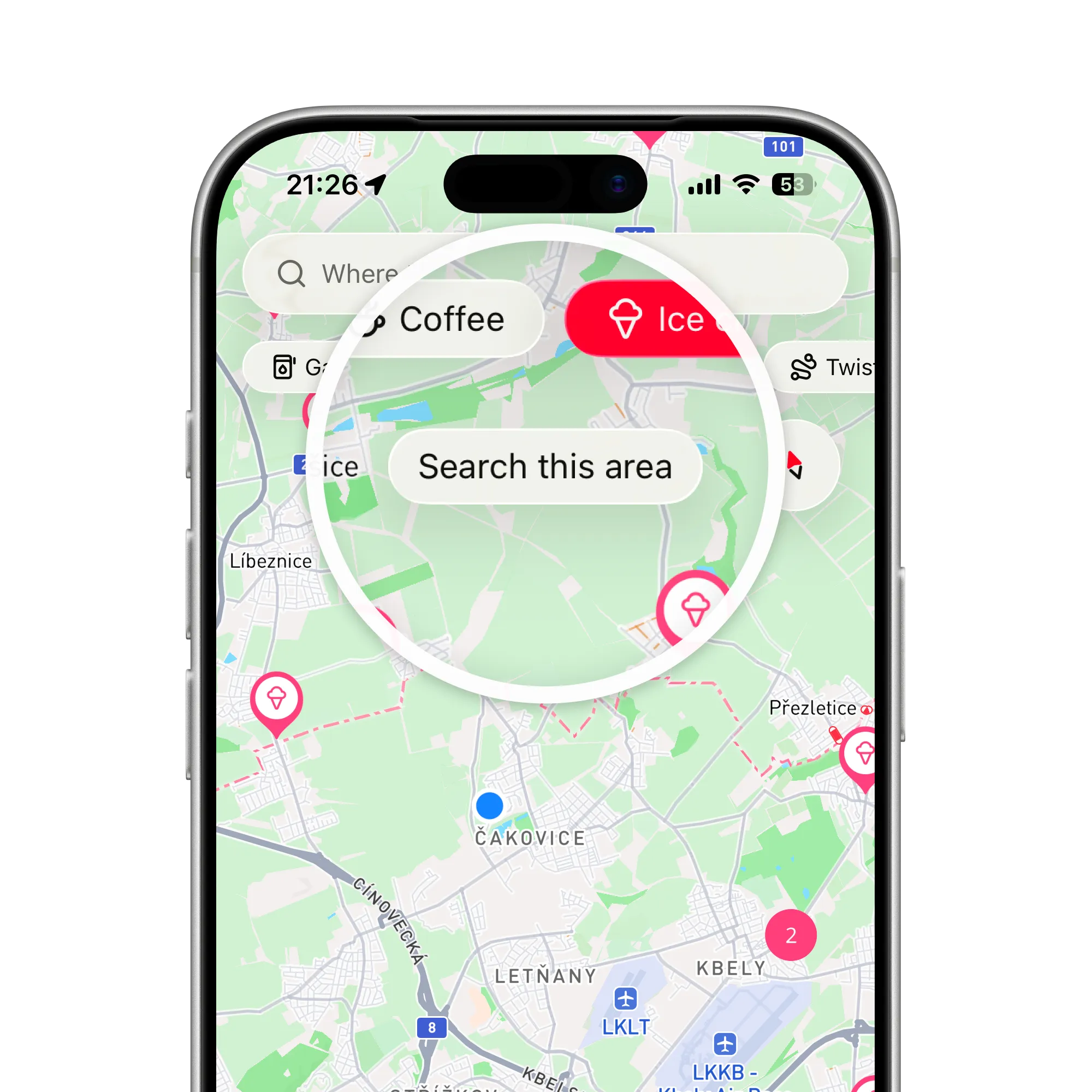
A magnifier on the Coffee and Ice cream chips and the Search this area button, over ice cream pins north of Prague

Into the route, bends intact

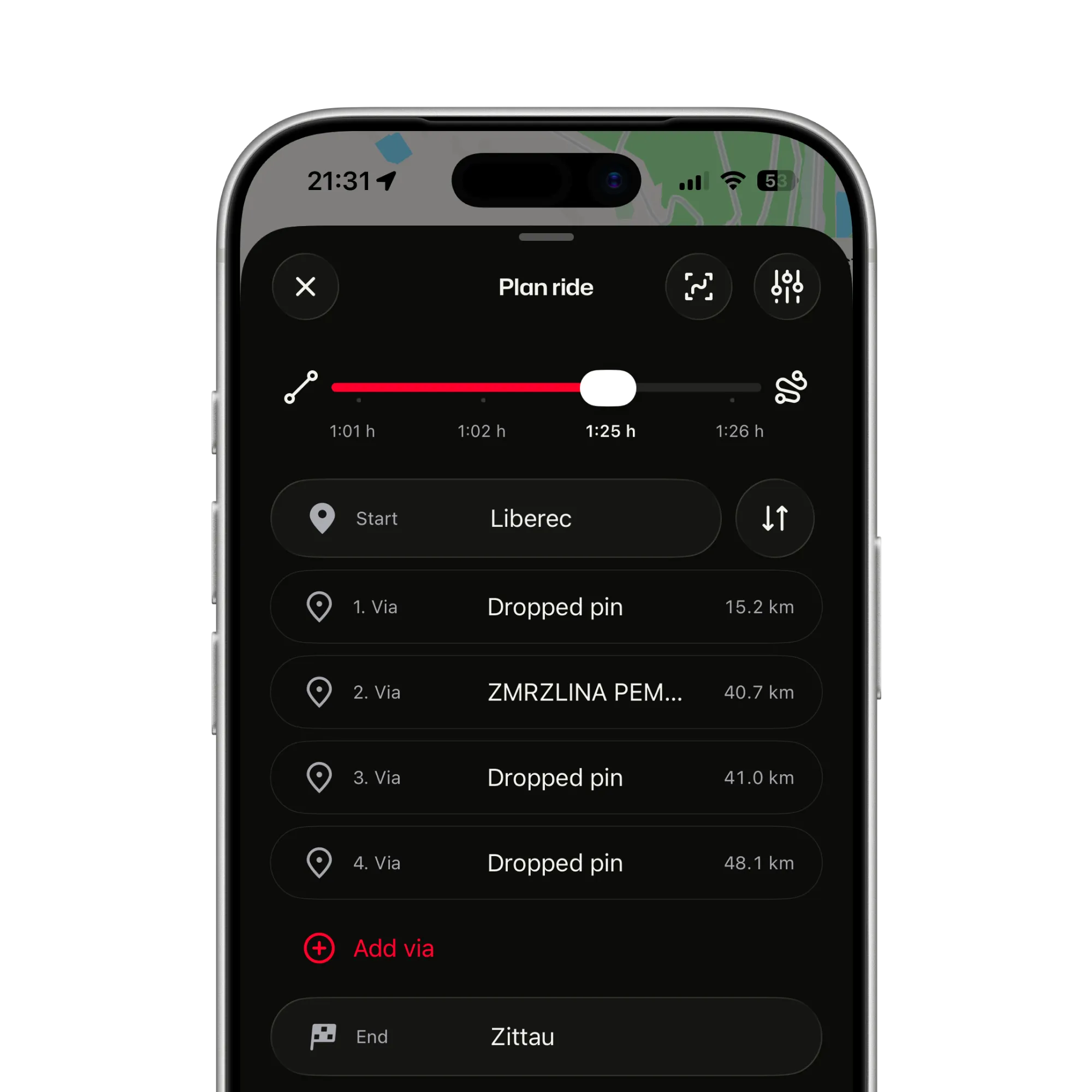
Directions makes a place your destination. Add to route, while planning, threads it in as an exact stop, with an Undo if you change your mind.

  • Announced by name. A stop you added from a place is called out as you reach it.
  • Long-press a pin mid-plan. Adds it in one move.
  • The curves stay. The Twisty slider still shapes the road between the stops.
The plan sheet with four stops between Liberec and Zittau, an ice cream stop among them, each with its distance along the route

Home, work, and the spots you keep

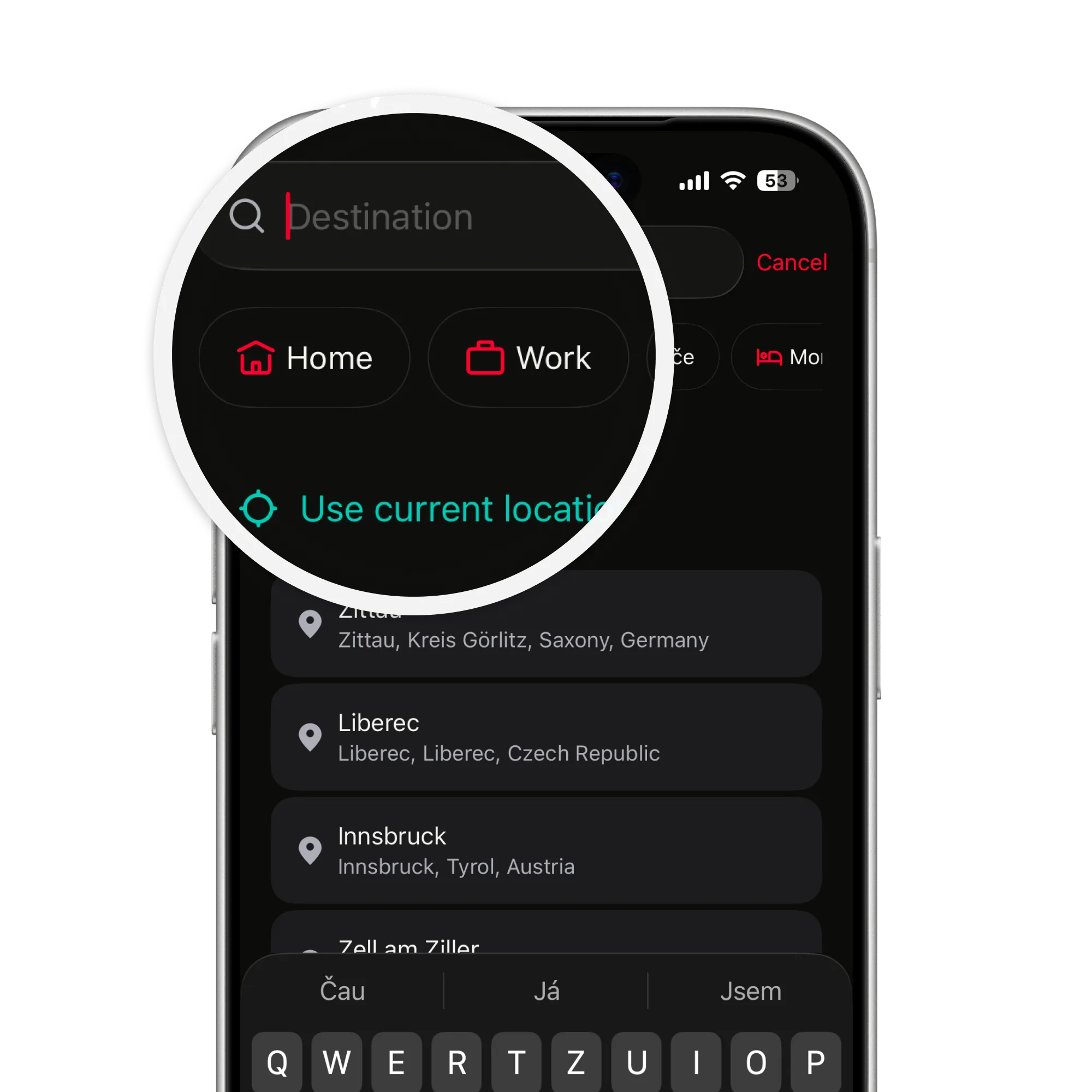
Set Home and Set Work with one tap each, and save as many places of your own as you like. Each becomes a pill under the search field.

  • Save from anywhere. Swipe a stop while planning, or long-press a spot on the map.
  • On the map too. Saved places show as markers in your own colour; My places switches them off.
  • Fifteen icons. A name, an icon and a spot, and it is saved.
The destination search magnified: Home and Work shortcuts and Use current location above the recent places

Coffee on the way, not off it

Tap the cup, tap the place, and it slips into the ride. ArcRoute keeps the good road on either side of it.

Get the app
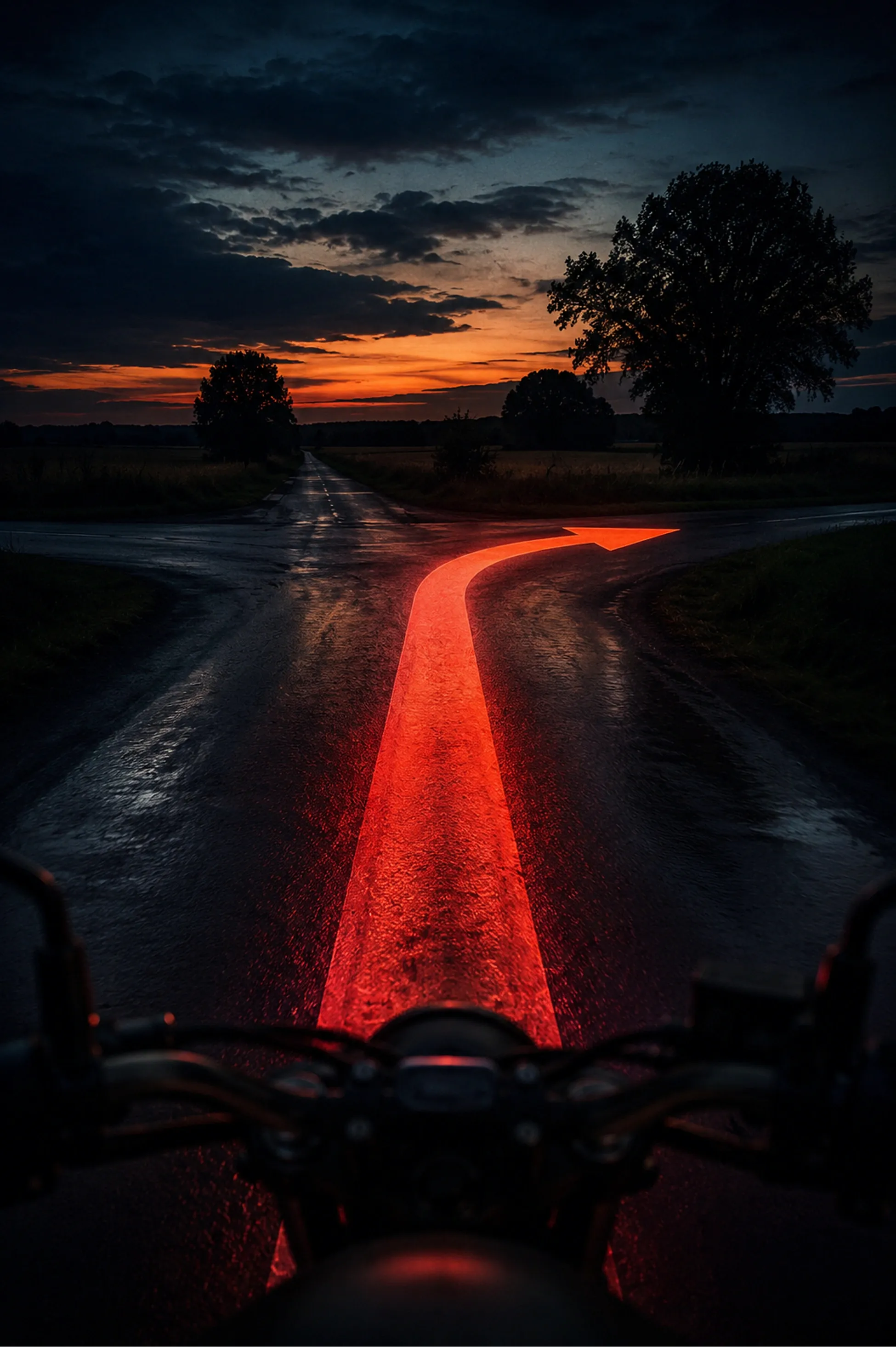
A wet country crossroads at dusk from the saddle, a glowing red arrow on the road bending right
FAQ

Questions about stops on the map

Straight answers on the chips, adding a stop and saved places. The support page has the rest.

All questions and support

Which categories are there?

Gas, Coffee and Ice cream today, next to the Twisty chip that marks curvy stretches to ride. More categories, food among them, are planned.

Does it show opening hours and prices?

Opening hours, yes, when the map data has them: whether the place is open now and until when, a phone number you call with one tap, and the website. About three gas stations in four in the countryside have all three, ice-cream stands less often. Fuel prices, no.

Do the places need a signal?

Yes. It is a live search of online map data; with no signal the chips cannot load and ask you to try again. Saved places are stored on the phone and work without one, opening hours, phone and website included.

What is the difference between a stop and a via?

A place you add from a pin is an exact stop: the route passes through that spot and it is announced by name. A point you drop on bare map only shapes the road and stays silent.

Can I save my own places?

Yes. Home and Work with one tap each, and as many of your own as you like, each with a name and one of fifteen icons. They sit as pills under the search field and as markers on the map.

Why did a charger show up under Gas?

The map data sometimes files chargers under gas. ArcRoute filters out the obvious ones by name, but one may still slip through.

Ready to ride?

  • Plan it.
  • Ride it.
  • Remember it.
Download on the App Store

Fourteen days free. Questions or feedback? Get in touch

© 2026 ArcRoute. Made by in Czechia.